
Microsoft has integrated its latest generative AI technology into SwiftKey, its popular keyboard app for iOS and Android. The new update features Bing AI, enabling users to seamlessly use it across any app on their smartphones that work with a third-party keyboard.
 The SwiftKey keyboard has always been known for its predictive text capabilities, and with the addition of Bing AI, Microsoft has taken it to the next level. The company has added a customized version of OpenAI’s GPT smarts to its productivity apps, Bing, Edge, and Skype, and is now bringing that same technology to SwiftKey.
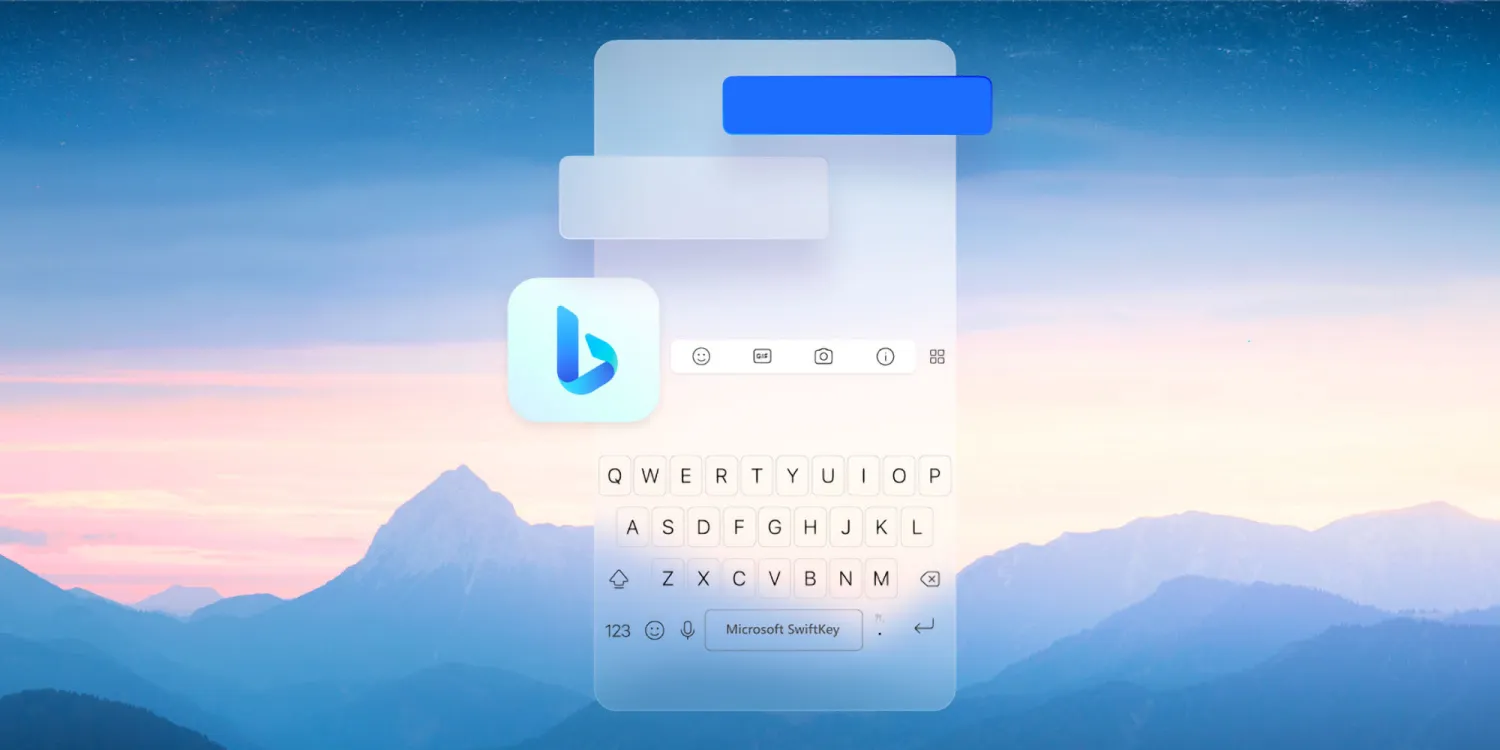
According to a blog post by Microsoft, the latest update to SwiftKey puts the Bing AI experience just one touch away across any iOS or Android mobile experience that supports a third-party keyboard. The SwiftKey Bing AI integration, available with version 3.0.1, has three main features: Chat, Search, and Tone.
Chat allows users to access the new Bing on the go for more detailed queries. Search lets users quickly search the web from their keyboard without switching apps. The Tone feature helps users communicate more effectively by using AI to customize their in-progress text to fit any situation.
Microsoft has announced that the new capabilities in SwiftKey are accessible in all markets where the new Bing is available, and anyone can use Search now. However, using the new Tone and Chat features requires being signed into a Microsoft Account that has access to the Bing Preview.
If you haven’t signed up for the Bing Preview yet, you can do so in the Bing app. Look for the Bing icon on the left side above the SwiftKey keyboard. SwiftKey is a free download from the App Store and Google Play Store, and Microsoft’s full announcement provides a variety of use cases for the new Bing AI integration.